Classify, not just size
Regenerable caches, downloads, app data, system files, and personal libraries get different labels.
Mac disk space visualizer
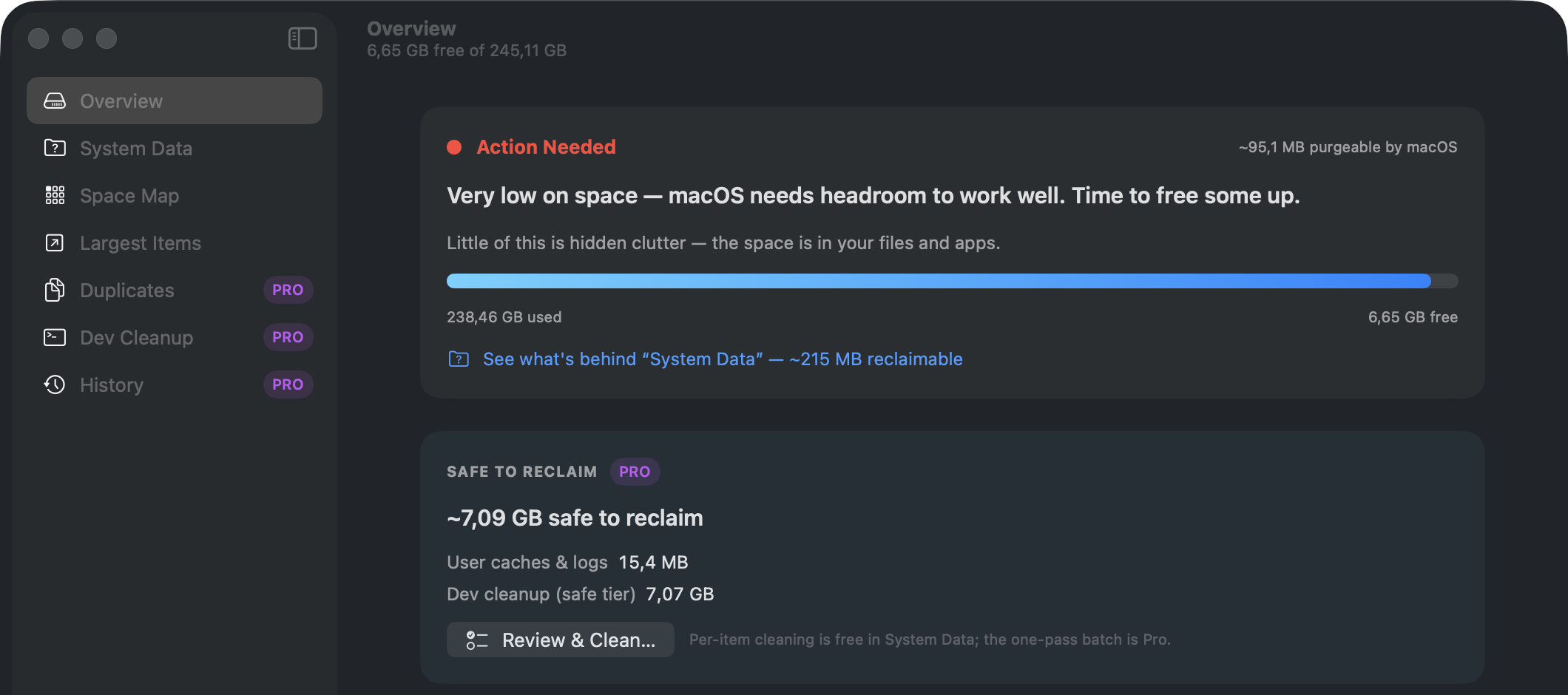
Every storage tool can show you what is big. SwoopByte Disk does the scarier next step: it tells you what is safe to remove, what to keep, and what should never be touched — and it names the "System Data" culprits macOS hides.
The gap
A colorful map is helpful, but it does not tell a normal user whether a 22 GB folder is disposable cache, a project dependency, or their only copy of a photo library. Disk wins by explaining the next action.
Regenerable caches, downloads, app data, system files, and personal libraries get different labels.
The user sees what will move, why it is suggested, and how much space it represents.
Cleanup is reversible until the Trash is emptied. No silent permanent deletion.
System folders, app containers, cloud folders, and personal libraries are never treated as generic junk.
Free vs Pro
The swoop, the Space Map, the full System Data breakdown, duplicate detection, the one-click cache clean, and every safety label ship free. Pro adds the heavy reclaim actions and automation — one-time $14.99, no subscription.
| What you get | Free | Pro |
|---|---|---|
| Run a swoop — scan your home folder or any folder | Included | Included |
| Space Map ring view, largest files and folders, category breakdown | Included | Included |
| Safety labels on everything — Safe to clean · Review first · Keep · Protected | Included | Included |
| Full System Data breakdown — Time Machine snapshots, iPhone backups, Docker's real size | Included | Included |
| One-click clean of user caches and logs, plus Empty Trash | Included | Included |
| Duplicate detection — groups and total wasted space | Included | Included |
| Duplicate removal — one copy per group always kept | — | Included |
| Reclaim actions — release TM snapshots, remove stale iOS backups, guided Docker shrink | — | Included |
| One-click dev-cleanup batch — DerivedData, npm, Homebrew, and friends | Detection with sizes | Included |
| Swoop history with storage diffs, scheduled auto-swoops, exportable reports | — | Included |
| Price | Free, forever | One-time $14.99 |
Safety is never paywalled: every label, preview, and protection rule works the same in Free and Pro.
Two different jobs
SwoopByte Disk shows what is using your whole drive and safely reclaims space from files and caches you no longer need — including developer caches from tools you keep. If you just want one specific app, and every file it left behind, gone, that is a different job. See SwoopByte Uninstaller →
Related storage guides
A plain-language guide to caches, downloads, System Data, and files to leave alone.
Read guide →A safe-delete guide planned for the Disk cluster.
In progressWhy the map is useful, but the next step is knowing what is safe.
In progressLaunching first by email
See where your space went in one swoop — free. Pro is a one-time $14.99, no subscription, no account. The direct download is being finalized; leave your email and the link lands the moment it's live.
Requires an Apple Silicon Mac running macOS 14 or later. Direct download — no App Store account needed.