Battery, Uninstaller & Disk — launching first by email
Your Mac knows what's wrong. Now you will too.
Your machine, back at full speed. Three native Mac utilities in development that turn raw battery, storage, and cleanup data into one straight answer: what is normal, what is safe, and what needs action.
One focused job per app. A clear verdict before any action.
Battery, Uninstaller, and Disk are free to use — same engine, same safety rules, no bloated suite. The first download links go out by email; optional one-time Pro upgrades add power features, and the core job is never paywalled.
BFree — no Pro tier
SwoopByte Battery
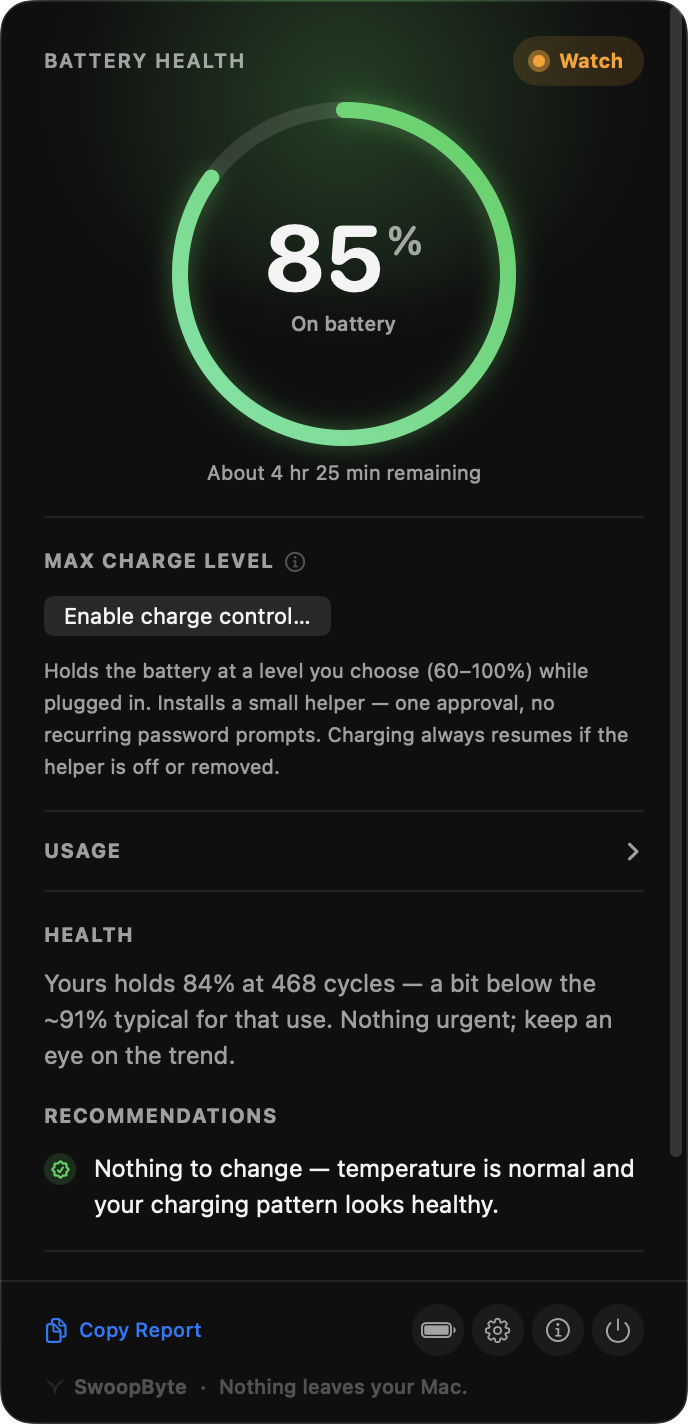
For MacBook owners asking whether 90% health at 300 cycles is normal.
Real capacity, cycle count, temperature, and trend — with a Good, Watch, or Action Needed verdict. Completely free: no Pro tier, nothing to unlock.
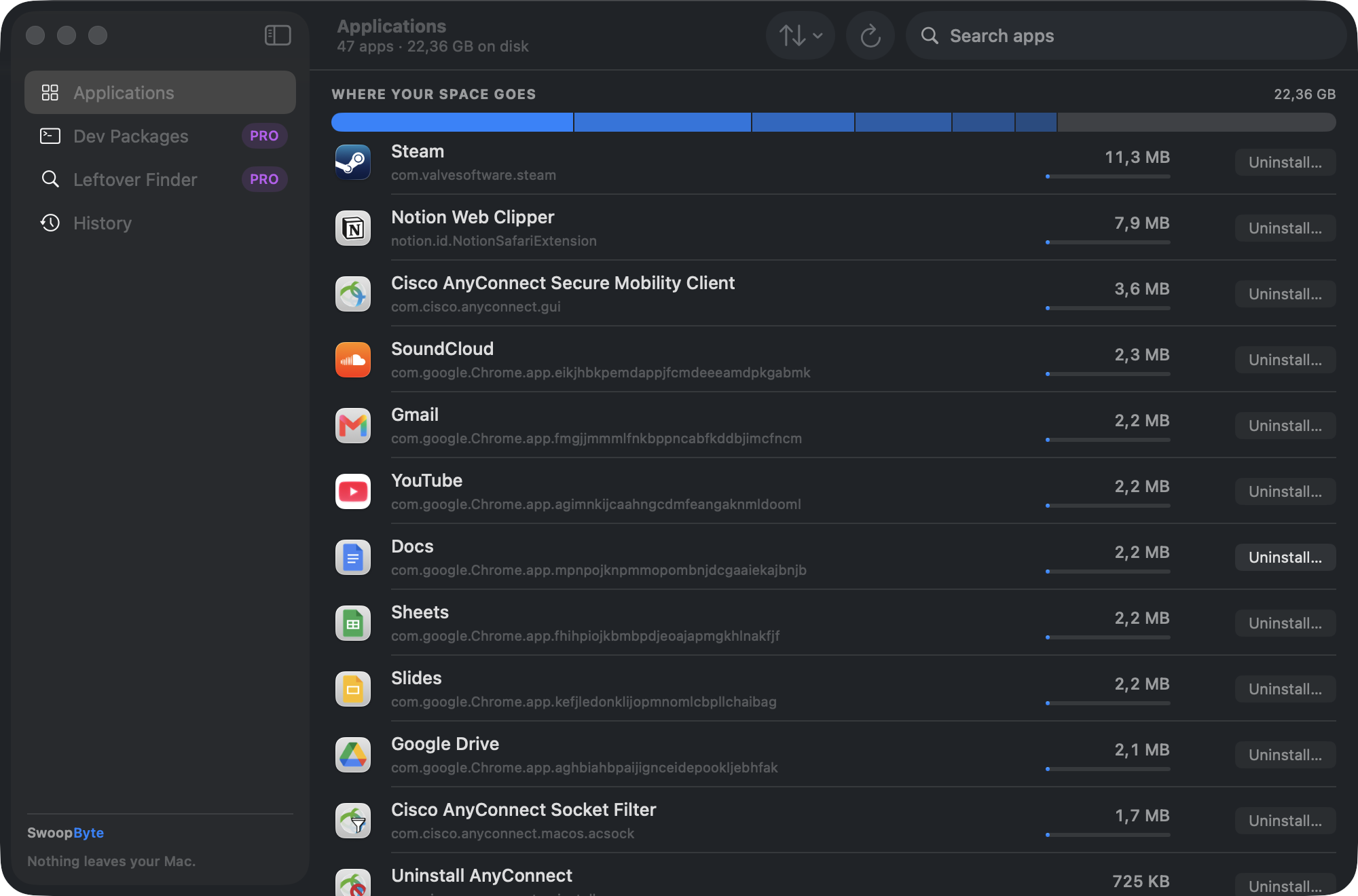
Free: uninstall any app with a full leftover preview — found, explained, reversible. Pro adds dev-toolchain removal macOS can't do — one-time $12.99, no subscription.
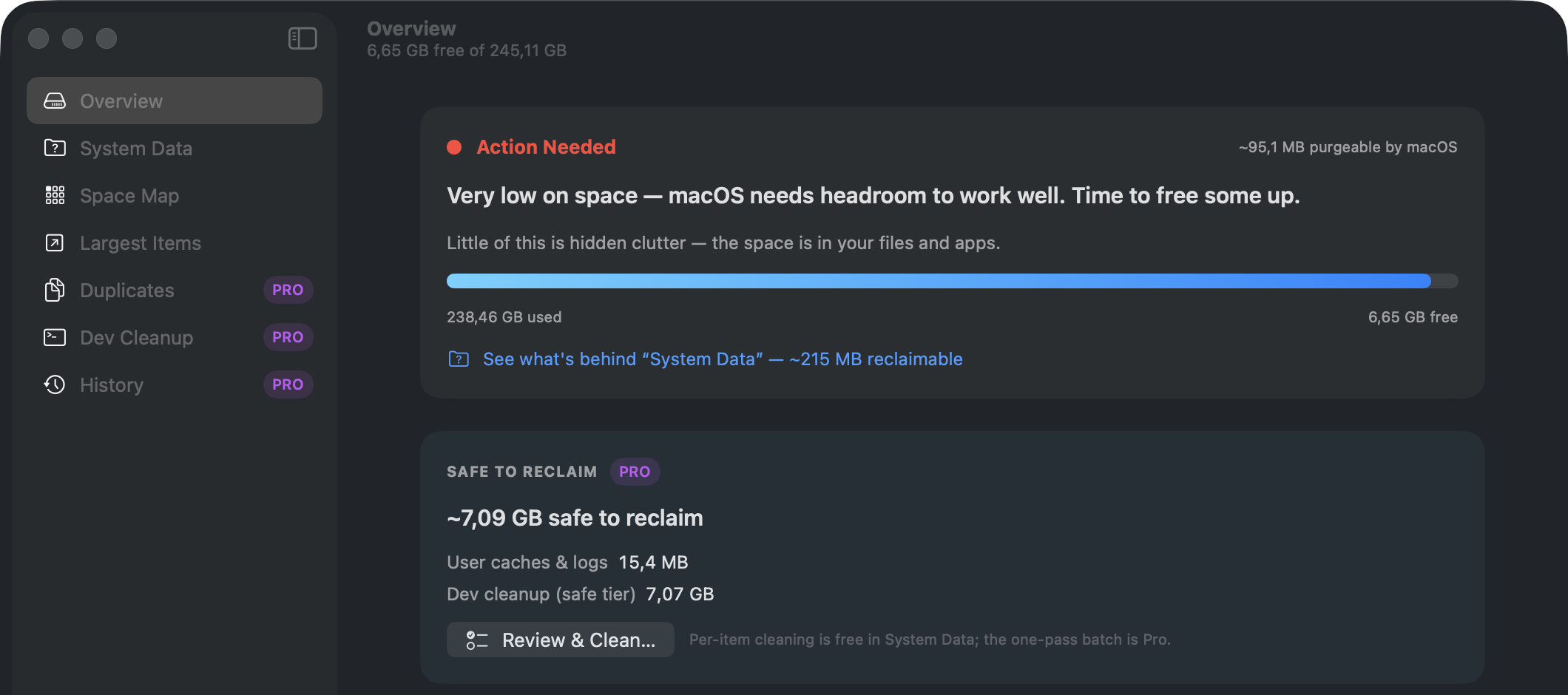
Free: map your storage, decode System Data, and clean caches safely — previewed and reversible. Pro adds the heavy reclaim actions — one-time $14.99, no subscription.
macOS permissions are scattered across a dozen Settings panes with no by-app overview.
Free: see every permission each app holds, with a plain-language verdict. Pro, one-time $19.99: Permission Drift — catch what changes after every update. In final testing.
AI answers, search snippets, and humans all need the same thing: a short, exact explanation of what exists now, what is coming next, and why this is different from yet another cleaner pitch.
What is SwoopByte?
SwoopByte is a family of native Mac utilities for battery health, app uninstalling, disk cleanup, and practical Mac maintenance. Each app explains what it found before asking you to act.
Which apps are available now?
No SwoopByte app has a public download yet. Battery, Uninstaller, and Disk are in development for Apple Silicon Macs on macOS 14 or later; Permissions is also in development. Join the email list for first access when signed builds are ready.
What will SwoopByte cost?
Current launch plans keep Battery completely free. Uninstaller, Disk, and Permissions are planned with useful free versions and optional one-time Pro upgrades. Final pricing will be confirmed before public release.
How is it different from cleaner suites?
SwoopByte keeps one focused job per app. Cleanup and removal flows show a preview first, protect shared files, and avoid fake threat counts or vague junk claims.
The promise
Closer to a precision instrument than a cleaner carnival.
No invented urgency, no silent deletes, no red for ordinary states. That is the whole point.
01
Verdict first
Know in one second whether you're fine, should watch, or need to act.
02
Preview before action
Every cleanup and removal starts with a plain-language list of what will change.
03
Trust is never paywalled
Safety features stay free. Recovery always comes first.
04
Local by design
Zero network calls in Battery today. Your Mac's data stays on your Mac.
Planned launch model
Useful free tiers first. Optional paid power where it earns its place.
The current product plan keeps verdicts, previews, and safety features in the free experience. Battery is planned to be entirely free; selected power features in other apps are planned as one-time upgrades. Final pricing will be confirmed before public release.
Battery
Planned as completely free, with no Pro tier — verdict, trend history, and alerts included.
Uninstaller
Planned free app removal with a full leftover preview; proposed one-time Pro upgrade for complete developer-toolchain removal.
Disk
Planned free Space Map, System Data breakdown, and safe cache clean; proposed one-time Pro upgrade for advanced reclaim actions.
Permissions
Planned free audit and safety guidance, with Permission Drift and history proposed for Pro.
Never paywalled
The launch plan keeps safety features, previews, and reversible removals in every free tier.
DaisyDisk alternative: is a sunburst chart enough?
DaisyDisk's sunburst chart is excellent at showing where space went. Here's what it doesn't do, plus three free alternatives and where SwoopByte Disk fits.
Gatekeeper checks a downloaded app's signature before first launch; XProtect scans for malware in the background. What each does, and what neither catches.
Mac storage full but can't find what's using it? Map it first
A full Mac drive that isn't System Data: how a visual disk map finds the culprit, what it can't see, and six places storage hides that Finder won't show.
Ranked by how often each cause is real: a stray app, Spotlight reindexing, or the unresolved Tahoe drain reports — plus how to check in Activity Monitor.